Your mail lives on your disk
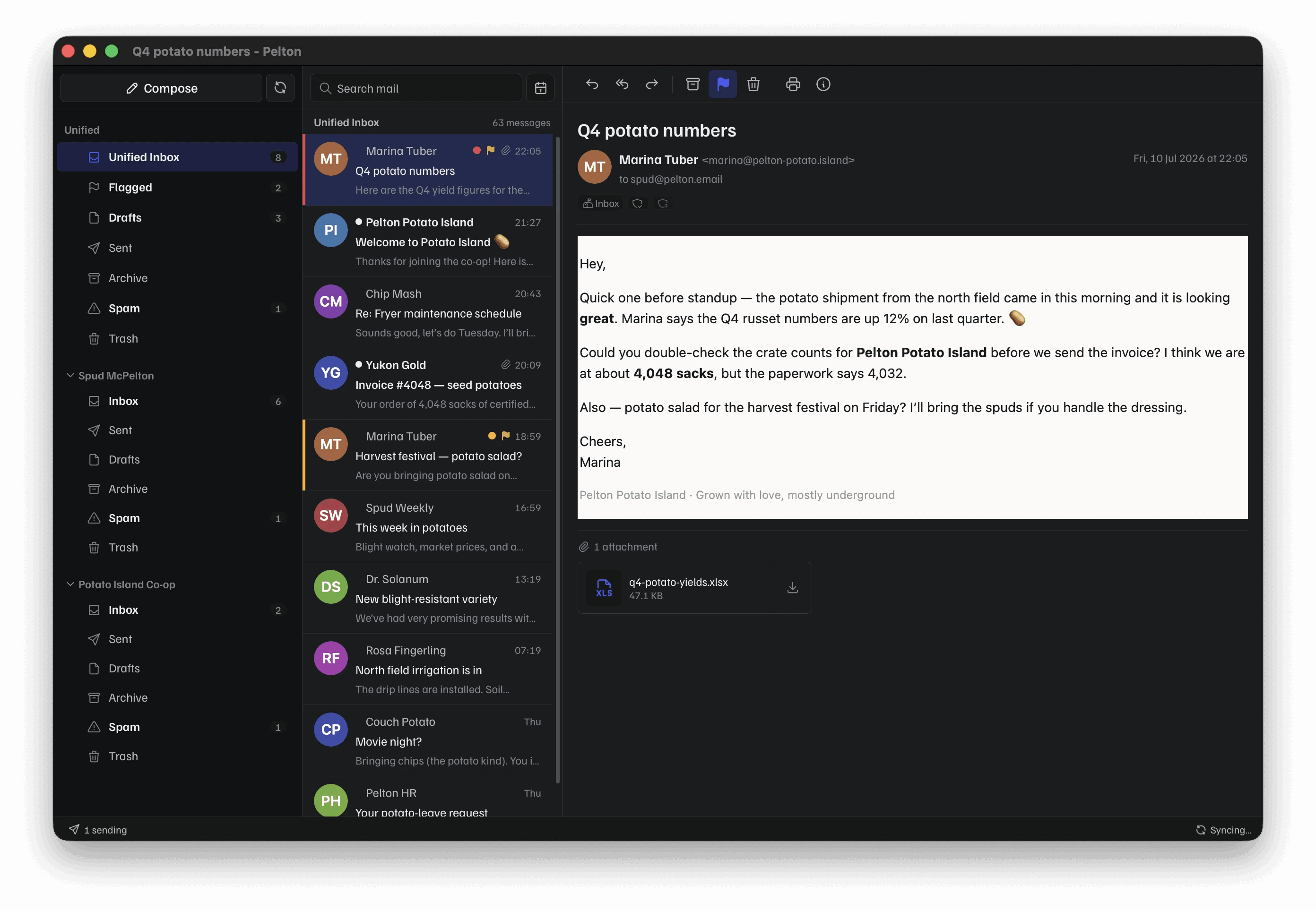
Messages are downloaded to a SQLite database on your computer and stay there, alongside your own provider.
Messages are downloaded to a SQLite database on your computer and stay there, alongside your own provider.
A local Bleve full-text index, so results come back instantly with no connection.
Hold the last weeks or months, and pin single messages to keep forever.
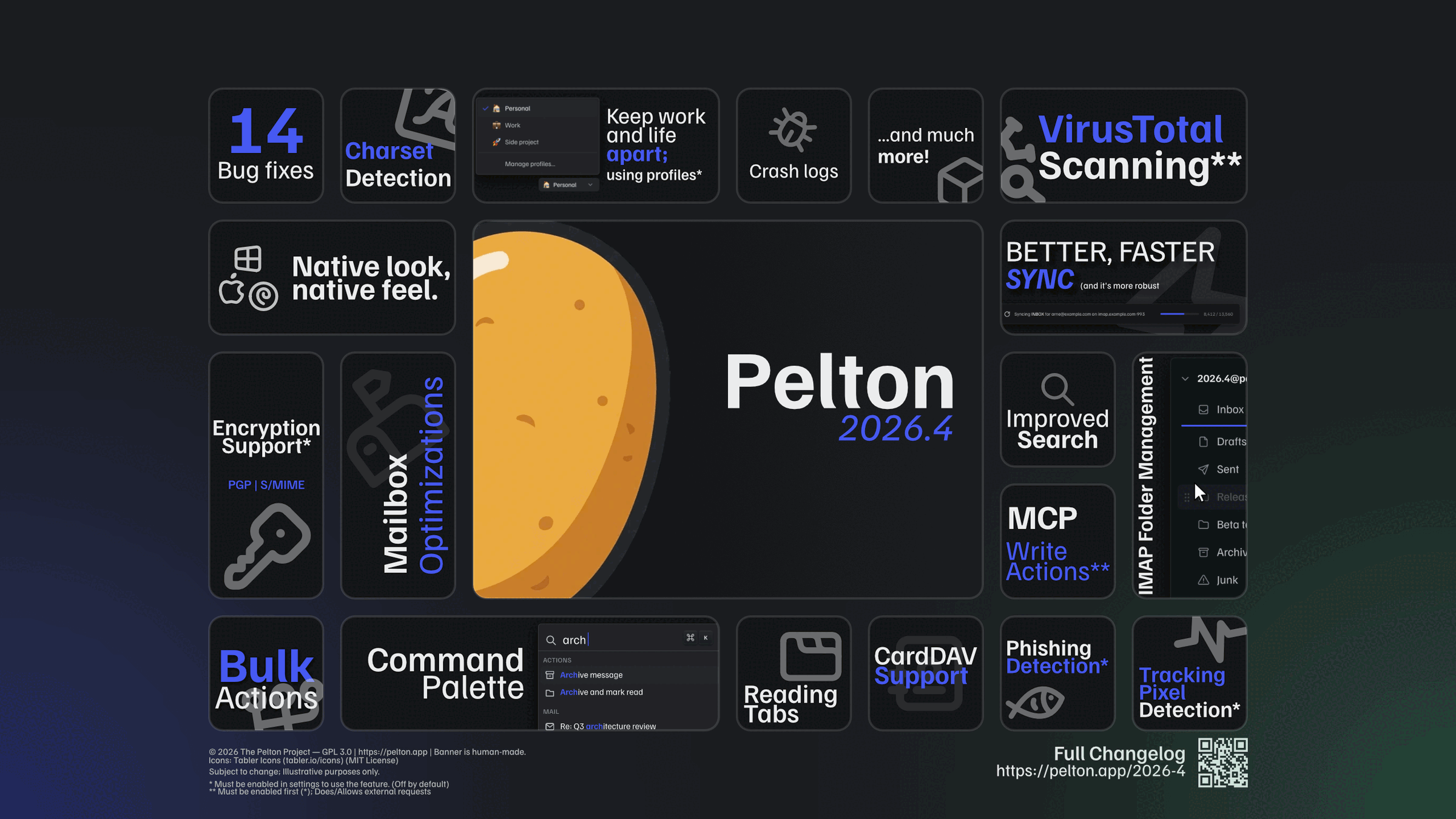
Sign, encrypt, decrypt and verify. Keys never leave the machine. Off until you turn it on.
SPF, DKIM and DMARC results, with checks for spoofed names, off-domain Reply-To and lookalike domains.
Local by default, or synced as IMAP keywords.
Folders, views, messages, settings and every menu action from one field.
Send a message away and have it return unread, or schedule one to leave at a set time.
Light, dark or one you write. Three densities, three corner styles, custom accent.
Go and Wails rather than a bundled browser, so it starts fast and stays light on memory.
One field over folders, views, messages, settings and every menu action.
Illustrative. Results shown are a demonstration and do not run against a live inbox.
Modal editing in the compose window.
Rebind any key.
Trackpad swipes on messages.
Learned from mail you send and receive.
A search that opens like a folder, with a live count.
Park a message without losing your place.
Accounts, preferences and layout in one file.
All new mail, or only senders you mark.
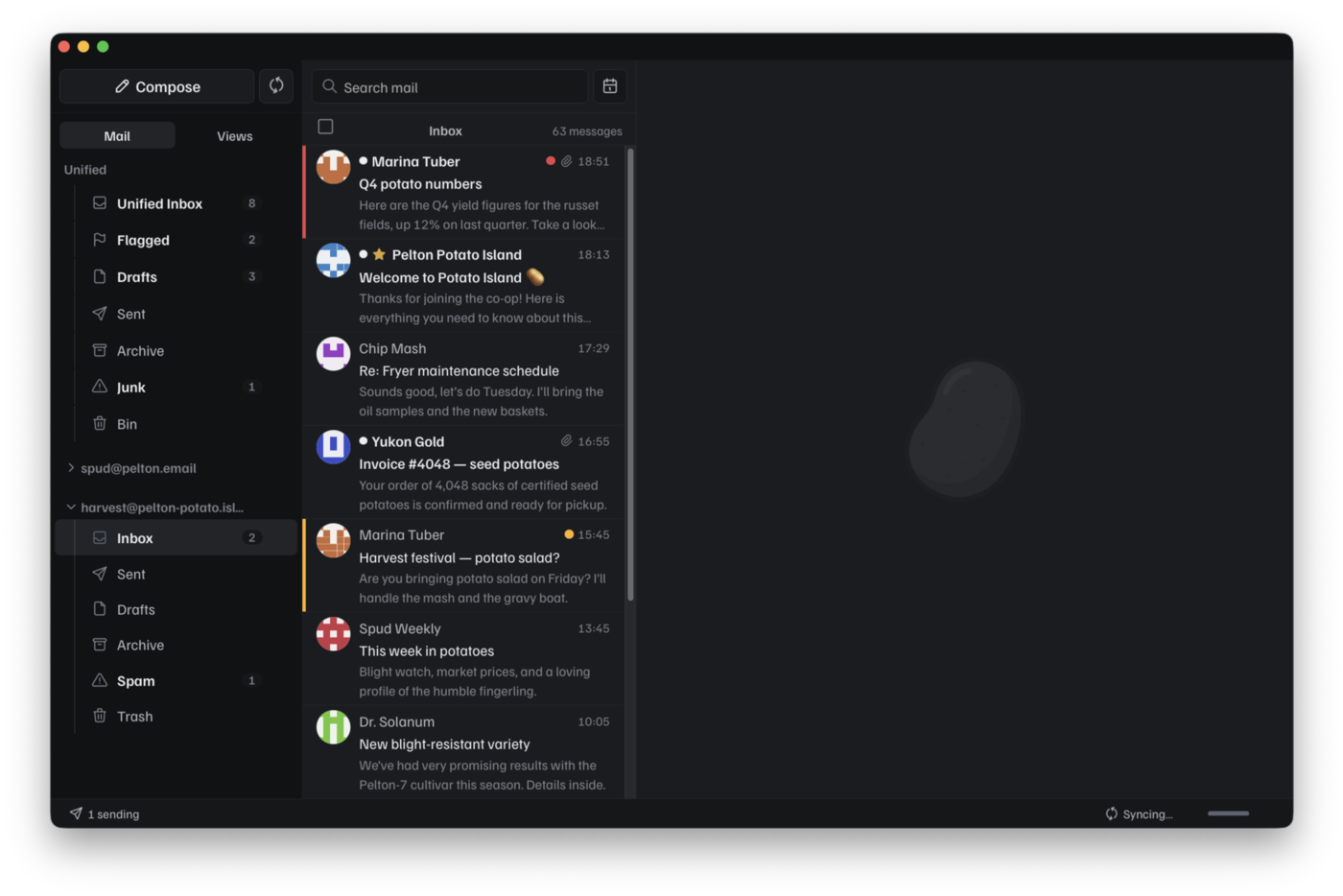
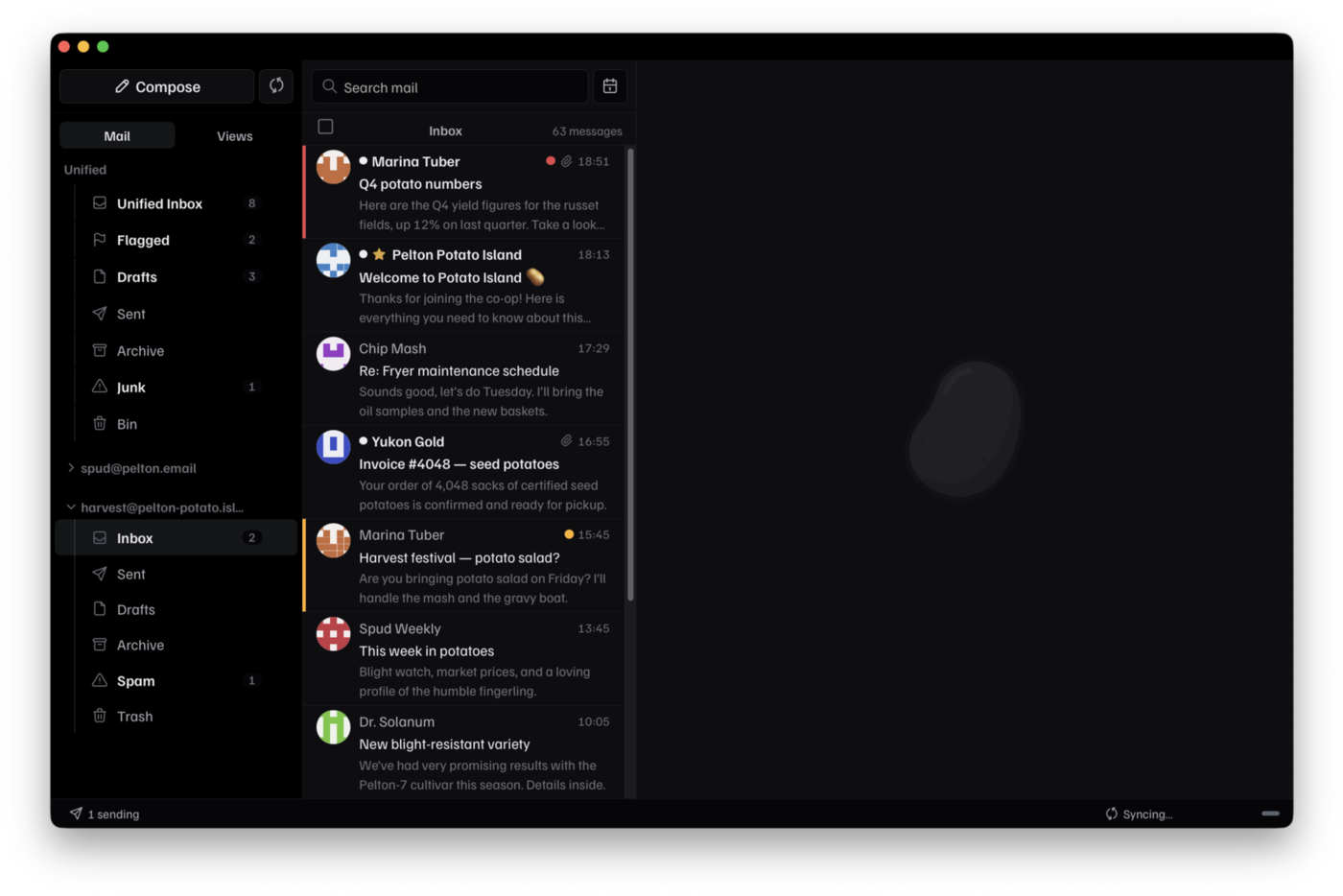
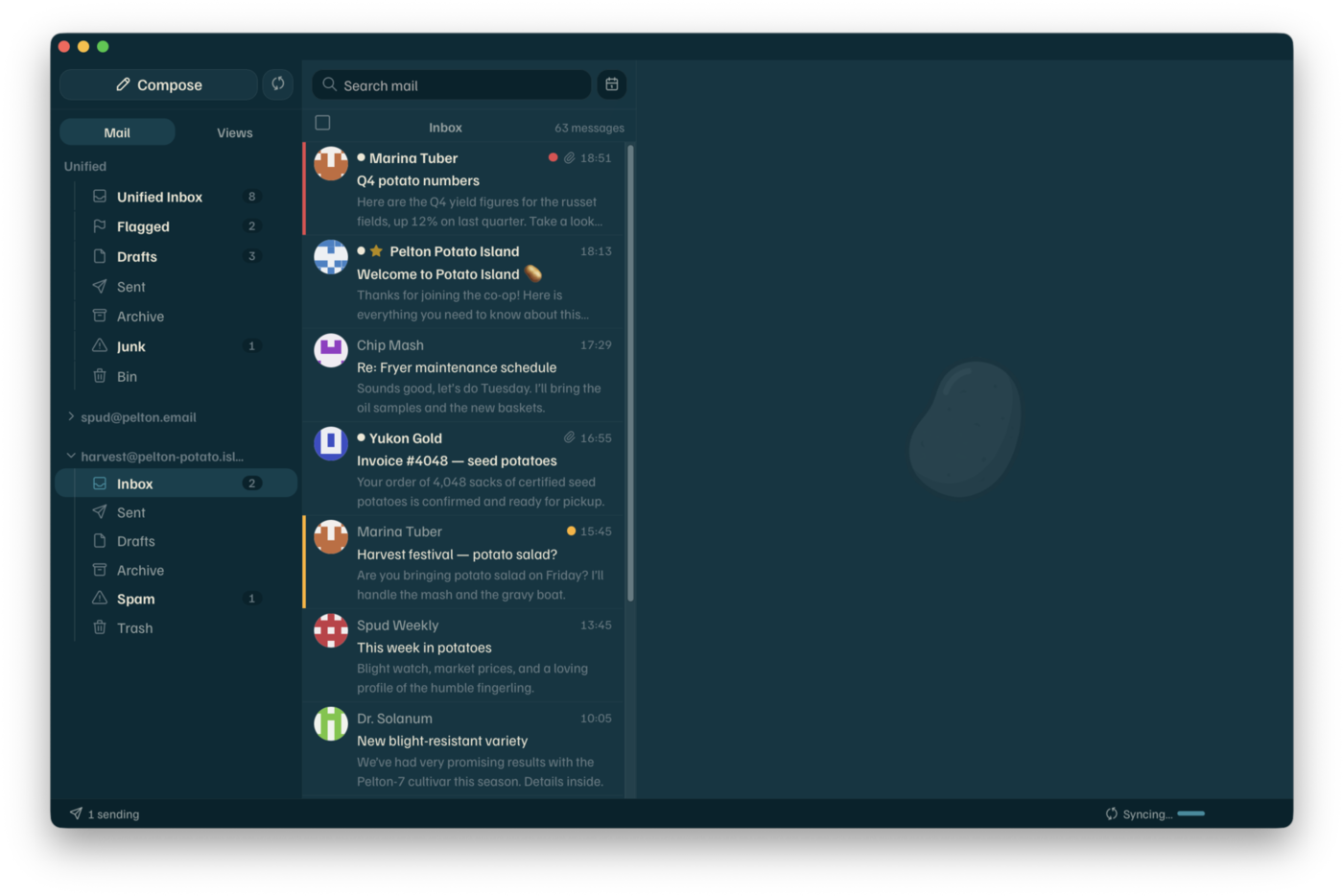
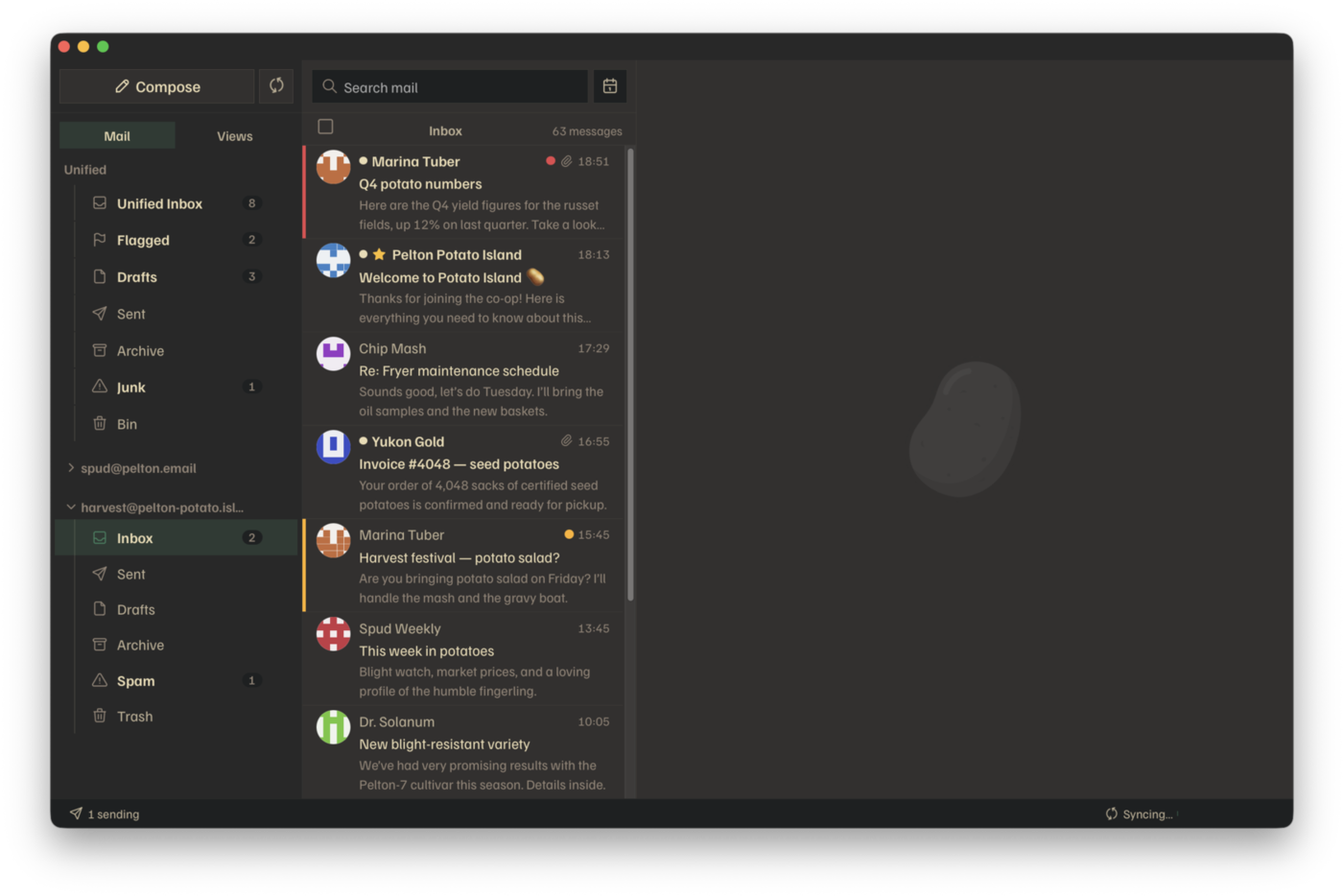
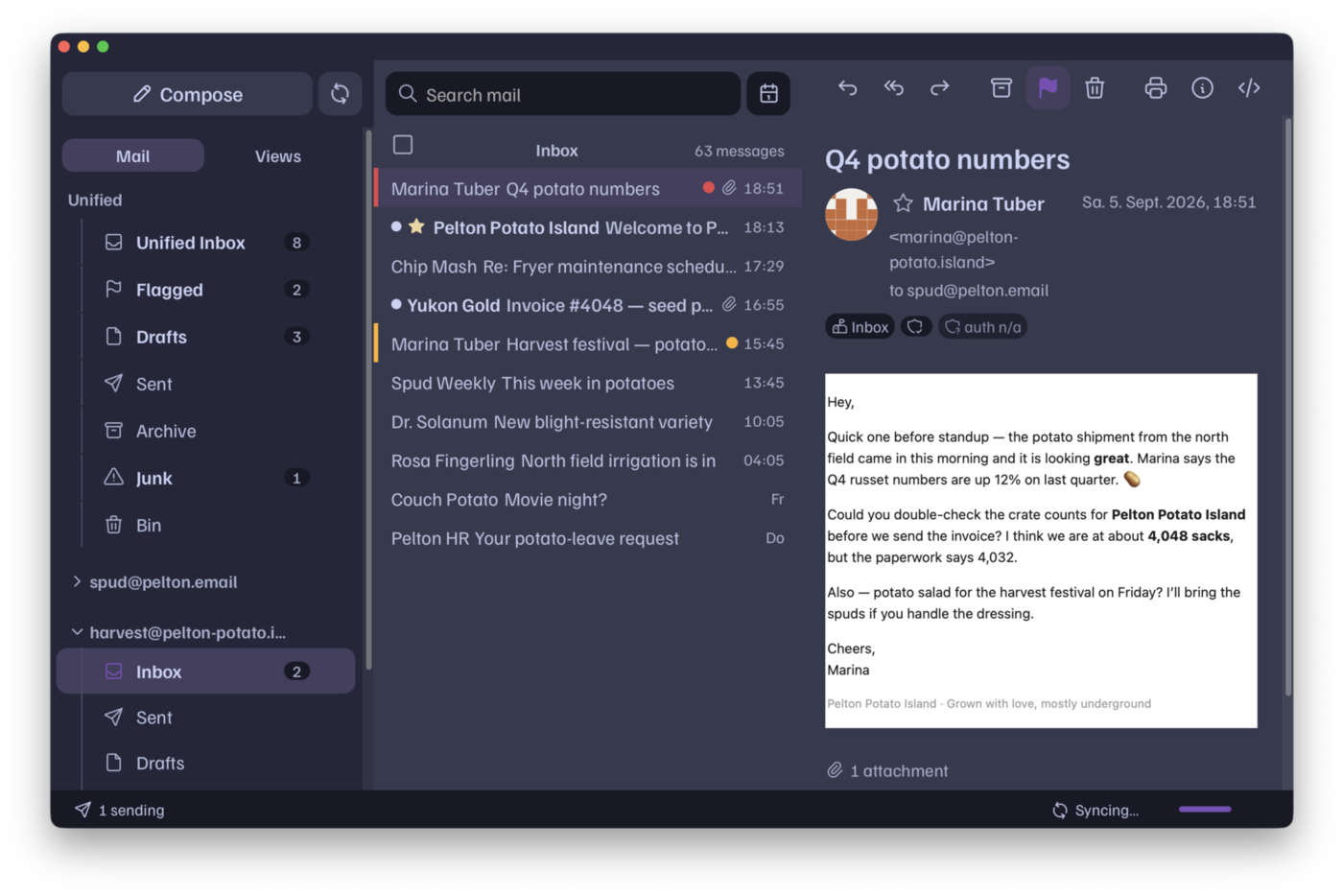
Some of these are community themes, not all included with Pelton. More at themes.pelton.app.
It ships off, binds to your own machine, and starts read-only. Pelton itself contains no model and calls no AI service.
Nothing listens until you turn it on in Settings.
Bound to 127.0.0.1. Binding to a routable address is blocked.
Seven write actions, each granted separately, all starting off.
An agent can queue a draft. Only you can send it.
Names, types and sizes. The files stay on your disk.
No model, no API key, no cloud. Your agent runs where you already run it.
Most of them. Pelton speaks IMAP and SMTP, which is what nearly every provider offers. For Gmail, an app password is the simplest route. OAuth2 also works, but Pelton ships no client id of its own, so it needs Google Cloud credentials you create.
Yes. Mail is downloaded to your computer. You choose how far back to keep, and you can pin individual messages to keep permanently. Search runs against that copy.
In a SQLite database file on your machine, and on your own email provider. Nothing is routed through a server we run.
No. Nothing is counted or uploaded, and there are no automated crash reports. Bugs reach us only when someone writes an issue.
Both, since 2026.4. Import keys with passphrase handling, sign and encrypt what you send, and decrypt and verify what arrives, with the signature status shown on the message. Both are off until you enable them, and key handling stays local.
No. Pelton contains no model, no API key and no call to any AI provider. The MCP server is a local endpoint an agent you run connects to, and it is off until you enable it. What that agent does with what it reads is between you and whoever makes it.
Only if you grant it. A freshly enabled server is read-only. The seven write actions are switched on one at a time and all start off. Even with sending granted, send_message queues a draft for you to approve, and delete_message moves a message to the trash.
The builds are not code-signed. On macOS, right-click the app and choose Open, then confirm. On Windows, choose More info, then Run anyway. After that it opens normally.
Go and Wails, with a Svelte interface in the system webview. No bundled browser, so it starts quickly and uses less memory than an Electron app.